Parrocchettami
Fast, private offline audio transcription.
For Apple Silicon Macs. No account, no uploads.

Runs locally
Your audio is never uploaded to external services.
Fast and lightweight
Fast performance in 25 languages with NVIDIA Parakeet
Multiple export formats
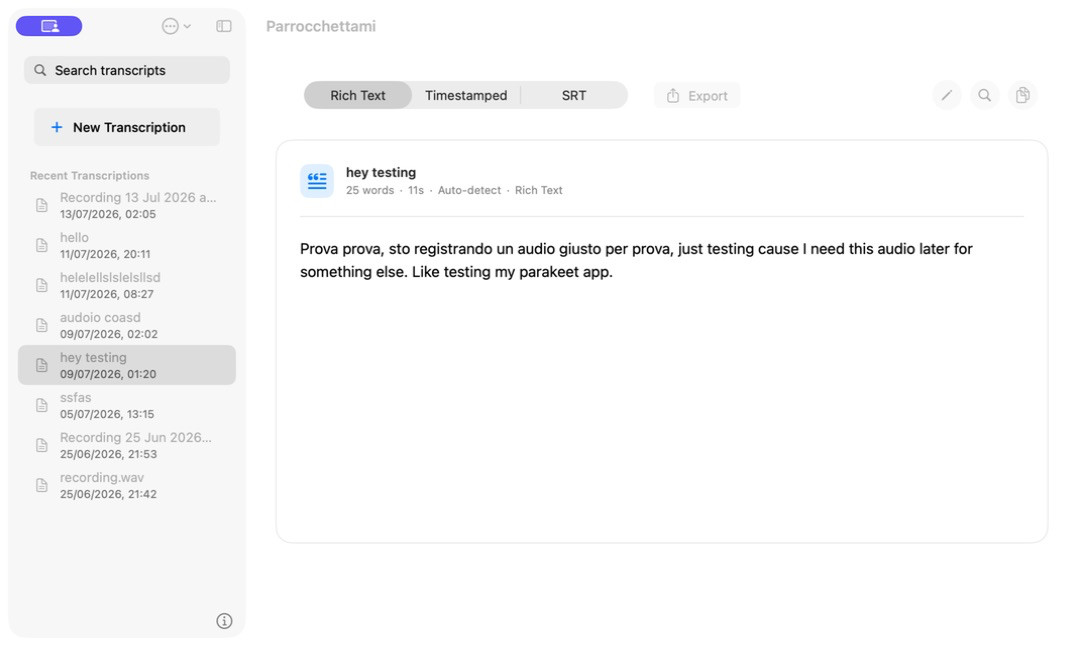
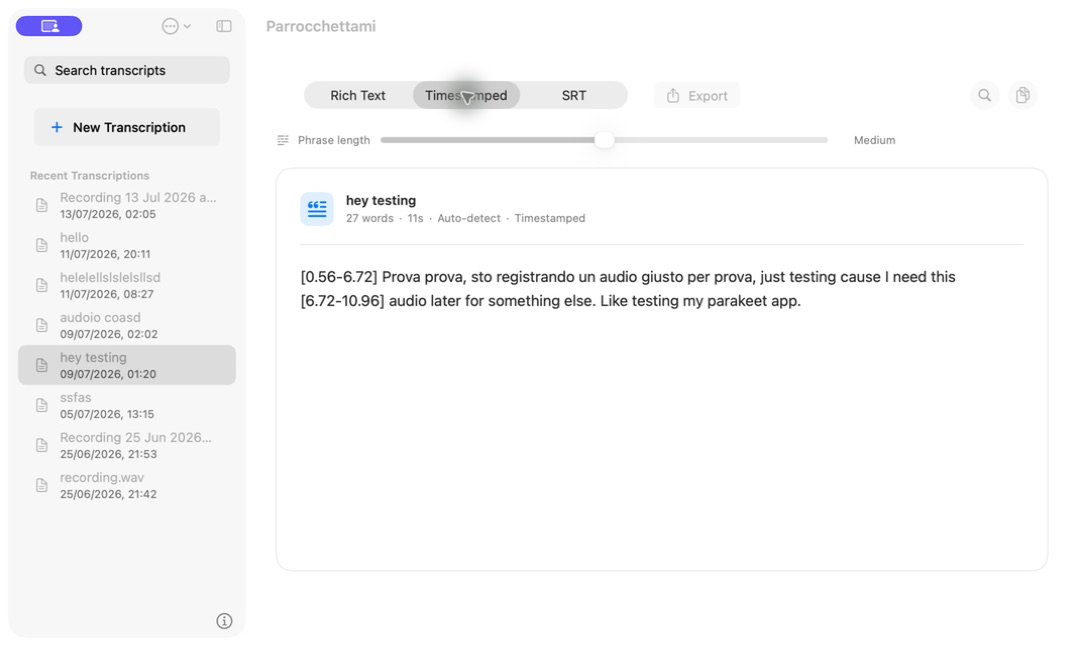
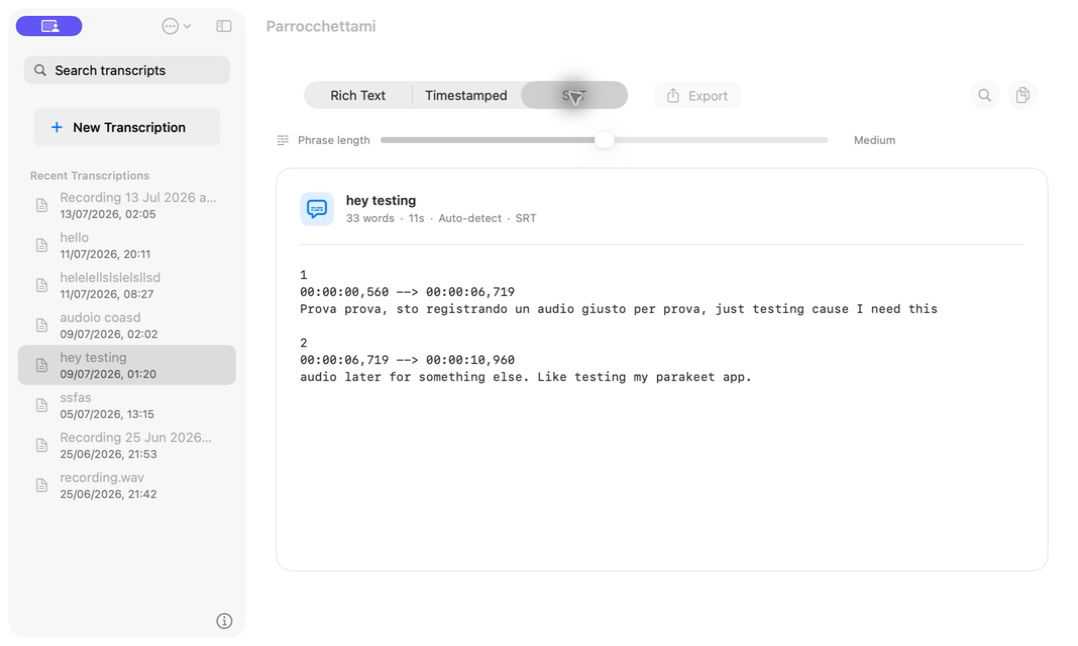
Plain text, timestamps, and SRT export
Audio
Text*
Parrocchettami transcribes your audio completely offline, without sending anything to external services.
You can export plain text, timestamped text, or SRT subtitles.
Two ways to work,easy peasy.
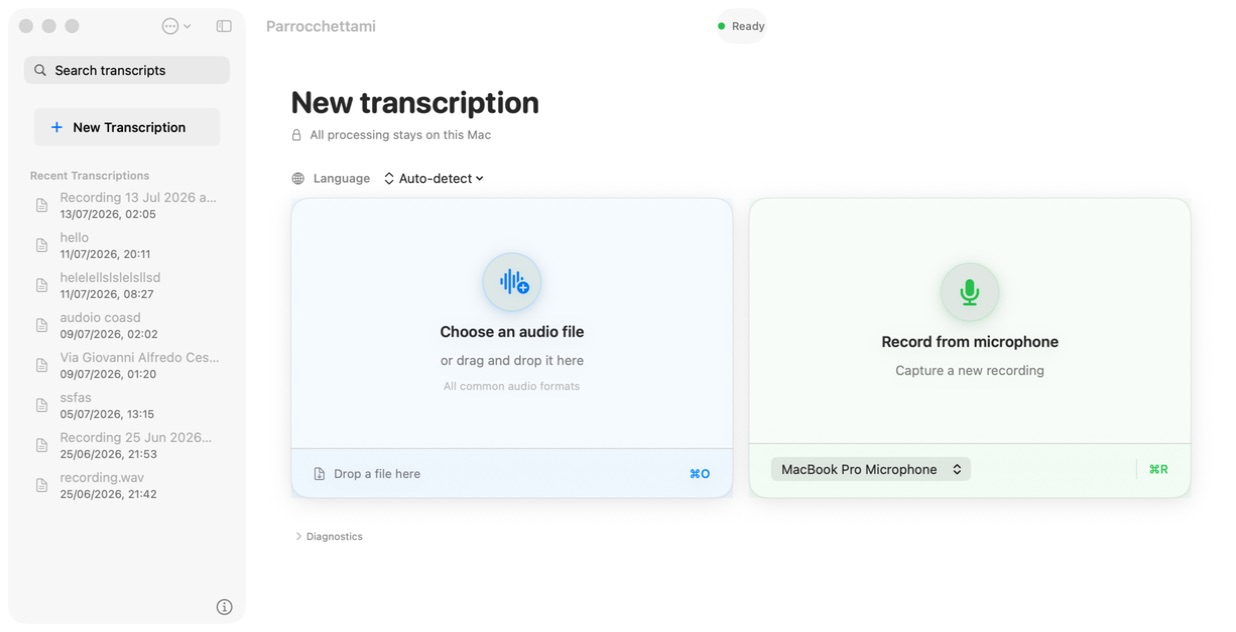
Transcribe an audio file
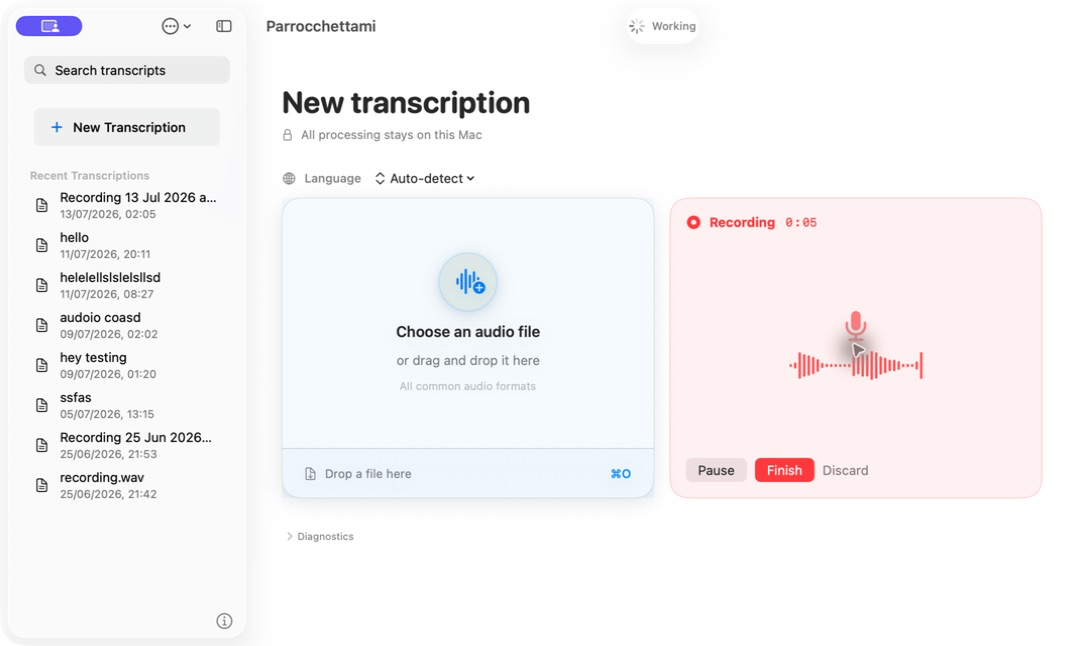
Record live
- WAV
- MP3
- M4A
- FLAC
- OGG
- AIFF
- AAC
Drop a file into the app to transcribe it.
Or record directly from any microphone connected to your Mac.
Easy to use. Completely private.
After downloading the AI model, Parrocchettami needs no internet connection for maximum privacy.
- ❌ No account
- ❌ No uploads
- ❌ No tracking
- ✅ Audio deleted after transcription
Speaks your european language.
Parrocchettami supports 25 European languages. Choose a language or let the app detect it automatically.
Safe installation:
Parrocchettami requires macOS 14 or later and an Apple Silicon Mac (M1 or later).
When you try to open the app, macOS may stop you and say that "Apple could not verify this app". Does that mean it is unsafe?
No: this warning is about notarization. Apple requires developers to verify their apps, but doing so requires paying 100 euros per year for the Apple Developer Program.
Parrocchettami is safe and open source: you can inspect the code and build the app directly from source.
Instructions for installing Parrocchettami
Download the DMG, copy the app, then authorize the first launch.
- Open the DMG Drag Parrocchettami into the Applications folder.
- Try to open the app If macOS shows the verification warning, close the message.
- Open Privacy & Security Open System Settings and find the section for the blocked app.
- Choose Open Anyway Confirm: the app will open normally from the second launch onward.
Did you see this warning?


Frequently asked questions
Practical answers before downloading or installing the app.
Why does macOS say Apple could not verify the app?
This happens because Parrocchettami is not yet notarized by Apple, a process that requires an Apple Developer Program membership. Because Parrocchettami is completely free, I cannot currently cover the developer program cost; this is also why there is no mobile release yet.
If you want to help, you can make a donation, share the app with others, or follow me on social media (@oradecima). When donations are enough to cover the Apple Developer Program, I will notarize the app to add Apple's verification and make installation simpler and safer.
Does Parrocchettami work without internet?
Yes. After downloading the AI model, transcription runs locally on your Mac. Audio is not uploaded to external services and is deleted after transcription.
Will Parrocchettami become paid?
No. Parrocchettami will always remain free and open source. If you want to support development, maintenance, and the Apple developer program cost, you can make a donation.
Make a donationHow much space does it require?
The AI model is about 707 MB. The parakeet-cli binary is about 3 MB, so allow just under 1 GB of free space.
Will there be versions for Windows, Linux, iOS, or Android?
Not at the moment. The code is open source, so anyone can study it, adapt it, or propose ports for other platforms. If I have the resources to release an iOS app, I will!
How is it different from Whisper?
Whisper is an AI transcription model published by OpenAI. I consider Nvidia Parakeet to perform better, especially for languages other than English. For this use case, I consider Parakeet the better fit.
Which Macs are supported?
Parrocchettami supports macOS 14 or later on Apple Silicon Macs with an M1 chip or later.
Is Parrocchettami a dictation app?
No. Parrocchettami transcribes audio files and recordings directly and offline on your Mac. It is not designed to insert your voice automatically into other apps.
If you are looking for an app to dictate while writing, I recommend FluidVoice: it is designed for voice typing and inserting text directly into apps.
Open source, licenses, and credits.
Parrocchettami is free software released under GPL-3.0-or-later: you can read, study, modify, and rebuild it from source.
Support Parrocchettamiparakeet.cpp
Upstream repositoryNVIDIA Parakeet TDT
Model cardThird-party components
Full creditsTranscribe audio offline, on your Mac.
Download Parrocchettami or inspect the source code on GitHub.